Google Lens vs. Remode: Which Actually Helps You Buy Clothes?
Finding something and being able to buy it are two very different problems.
March 2026
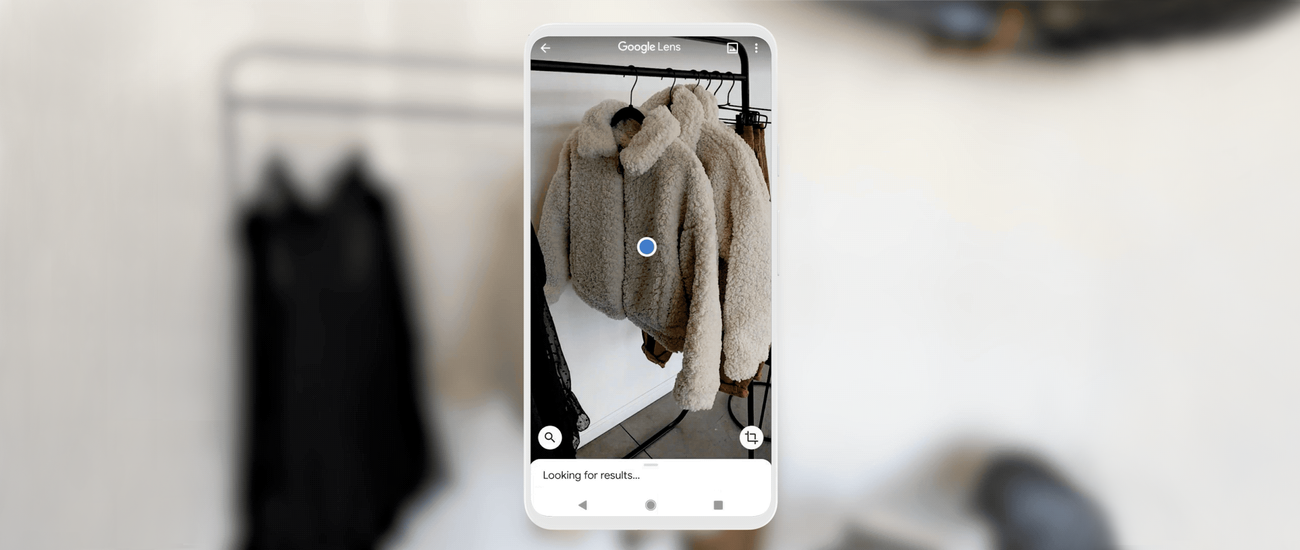
Google Lens
Identifies the item — but no store, no price
vs
Remode
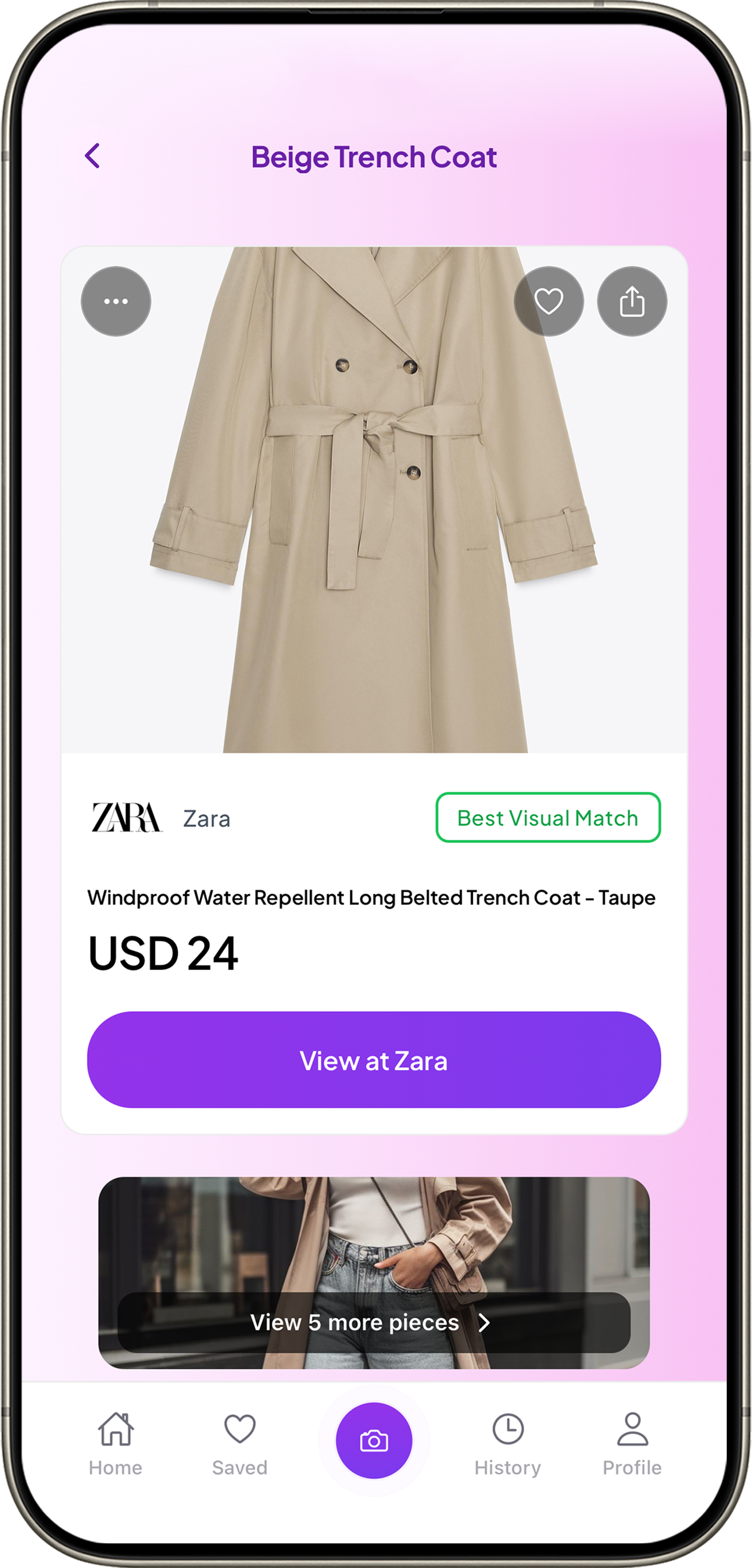
Best Visual Match · Zara · USD 24
When people want to find clothing from a photo, Google Lens is usually the first tool they try. It's free, it's built into every Android phone, and it's available through Chrome and Google Photos. So why would anyone need a different tool?
Because finding something and being able to buy it are two very different problems.
What each tool does
Google Lens is a general-purpose visual search tool. It identifies objects, translates text, looks up plants, solves math problems, and — among many other things — finds visually similar products. It works across every category.
Remode does one thing: it helps you find and buy clothes from a photo. It identifies each clothing item in the image, ranks matches by confidence, and shows you which stores sell it and at what price — localized to your region and currency.
Feature comparison
Google Lens
✓ Free and built into Android/Chrome
✓ Works for any object category
~ Shows shopping results (basic)
✕ No match confidence labels
✕ No multi-item detection
✕ No side-by-side price comparison
✕ No regional store prioritization
Remode
✓ Built specifically for fashion shopping
✓ Exact Match / Visual Match / Similar labels
✓ Detects every item in the frame
✓ Side-by-side store and price comparison
✓ Stores localized to your region
✓ Optimized for social media screenshots
~ iOS only (for now)
Where Google Lens wins
Google Lens is free, universal, and built into the operating system on Android. For a casual "what is this?" moment — identifying a plant, translating a menu, looking up furniture — Lens is right there and it's fast.
For a quick visual lookup outside of fashion, Google Lens is the clear choice.
Where Remode wins
The gap appears the moment you want to actually buy the clothing item you found.
Match confidence is visible
Best Visual Match
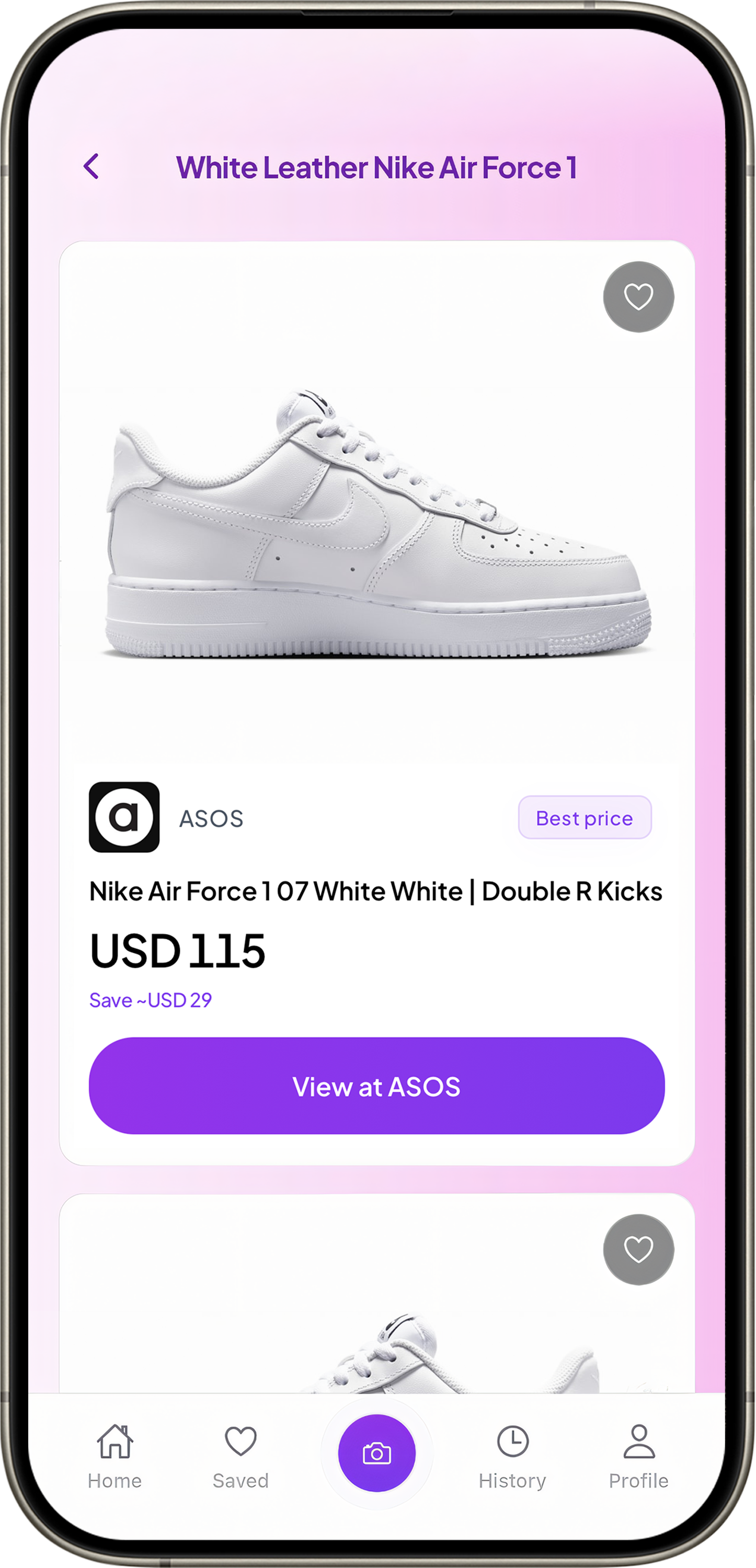
Price comparison built in
Best price
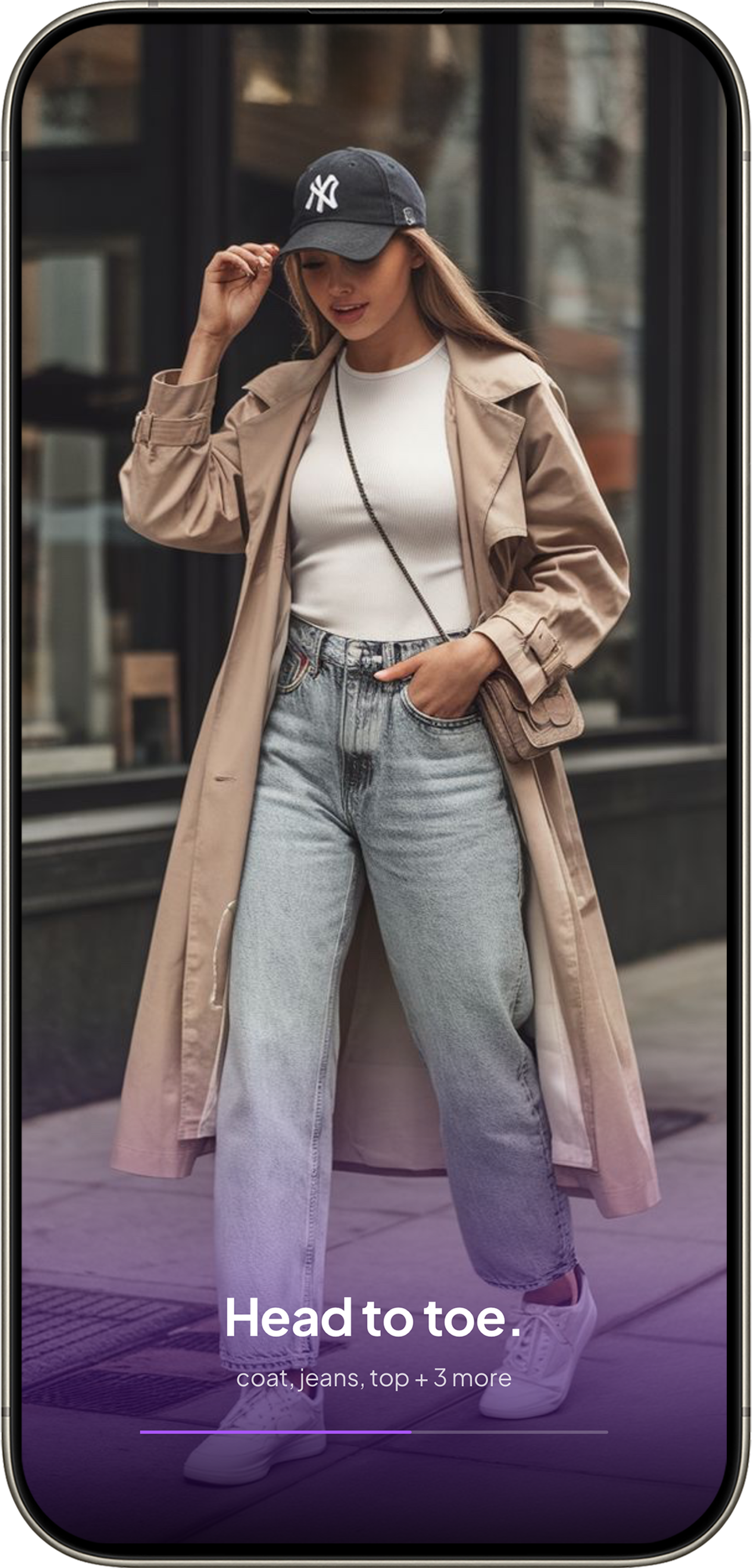
Multi-item detection
6 items found
Match confidence is visible. Your best match is clearly labeled. You know immediately whether Remode found the exact product or something similar. No guessing.
Multi-item detection. Upload a full outfit photo and Remode identifies each piece separately — jacket, top, pants, shoes — all from one image.
Store comparison built in. For each match, you see which stores sell it and at what price, side by side. Stores are filtered to your region, prices in your currency.
Optimized for social media. TikTok screenshots, Instagram saves, Pinterest pins — Remode handles the imperfect, low-resolution images from social media because that's exactly what it was built for.
When to use which
Use Google Lens when...
You want to identify a non-fashion item (plant, furniture, landmark)
You're on Android and need a quick visual lookup
You just want to know what brand something is
You're curious, not buying
Use Remode when...
You want to buy the clothing item you found
You need to compare prices across stores
You want to know how confident the match is
You're working with a social media screenshot
They solve different problems. One identifies. The other helps you buy.
See the difference for yourself.
Try the same photo in both tools. Download Remode free on iOS.