You have a photo of something you want to wear. The logical move: drop it into Google Images, TinEye, or Bing. Except the results are blog posts, Pinterest boards, and editorial spreads. Lots of similar-looking images. Almost none help you buy the item.
Guide
How to Reverse Image Search Clothes (and Actually Buy Them)
Reverse image search finds where an image appears online. But what if you want to buy the item — not just find similar pictures?
Reverse Image Search
Visually similar images
Blog post
Pinterest pin
Editorial
Stock photo
Images only — no prices, no stores
vs
Remode
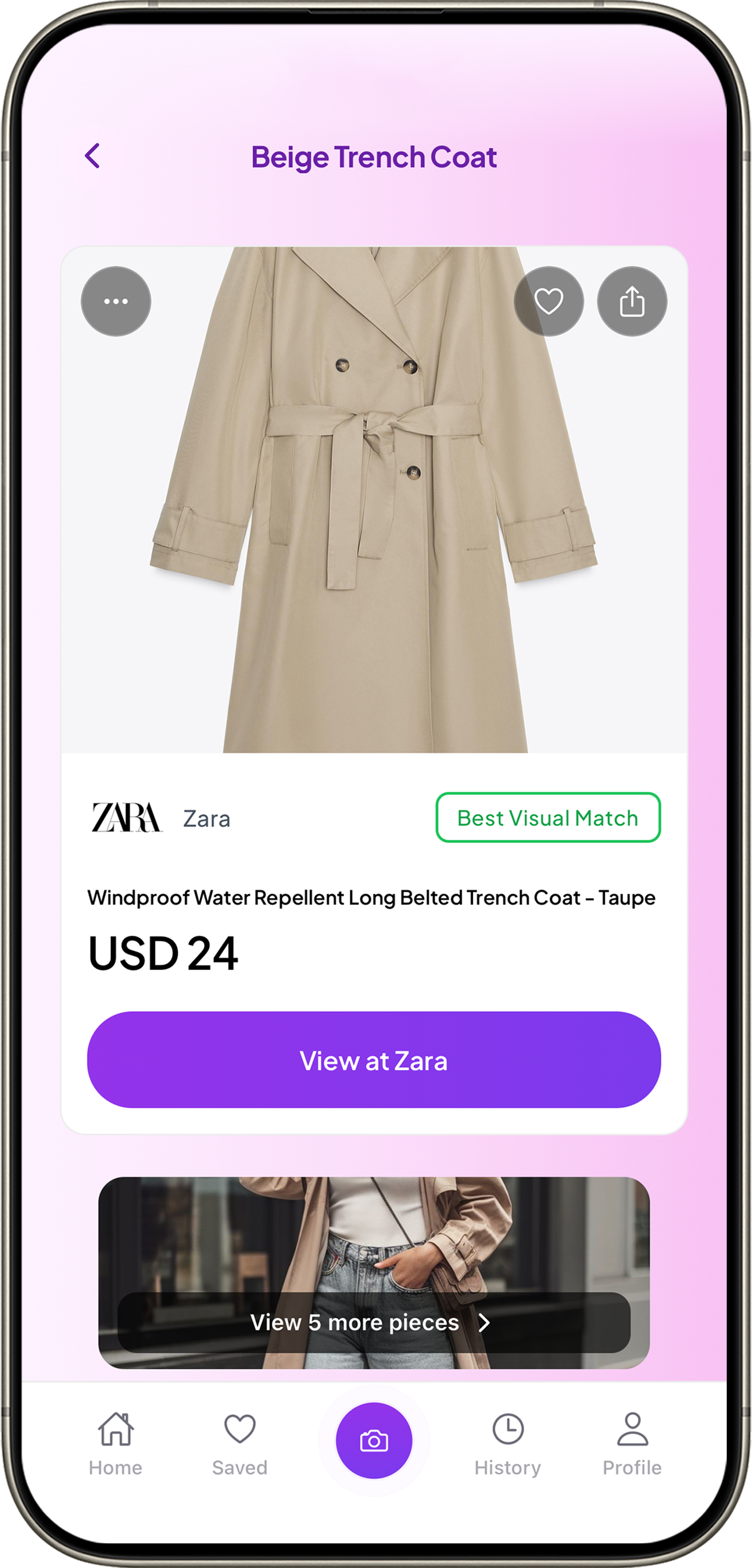
Product · Store · Price · Match confidence
It finds images, not products
Results show pages containing similar images — blogs, social profiles, outfit boards. Not product pages where you can buy.
No purchase intent in results
No distinction between a product page and a lifestyle blog. You click through dozens of pages looking for an actual buy button.
No price comparison
Even when a product page appears, there's no side-by-side comparison. You'd need to search each retailer individually.
No confidence signal
Is it the exact same item, or just similar? Reverse image search doesn't tell you. You're comparing thumbnails and hoping.
What works instead
Instead of searching for where an image appears, search for what's in the image and where to buy it. That's a fundamentally different task — and it requires a tool built for shopping, not image indexing.
1
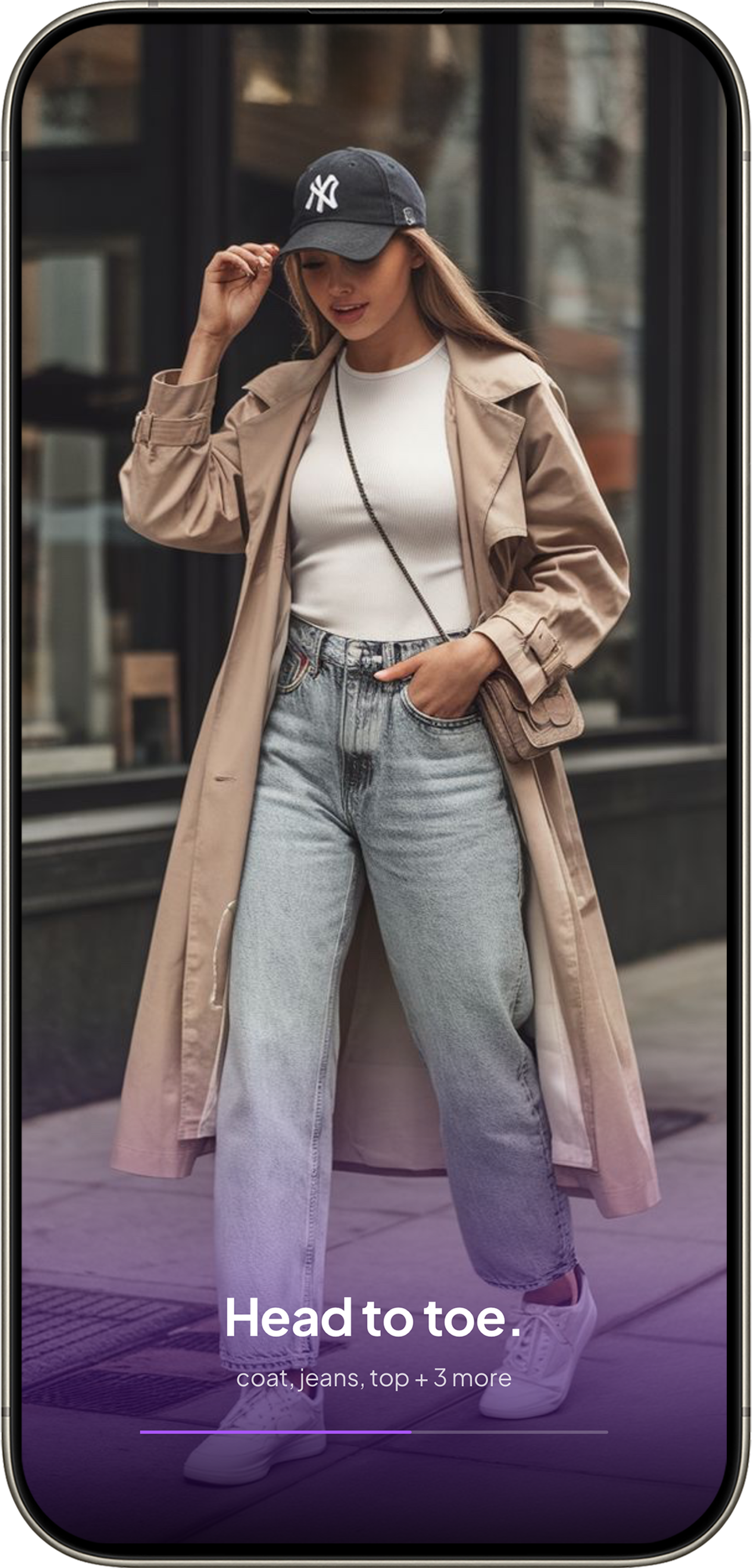
Upload
Any photo or screenshot from your camera roll.
2
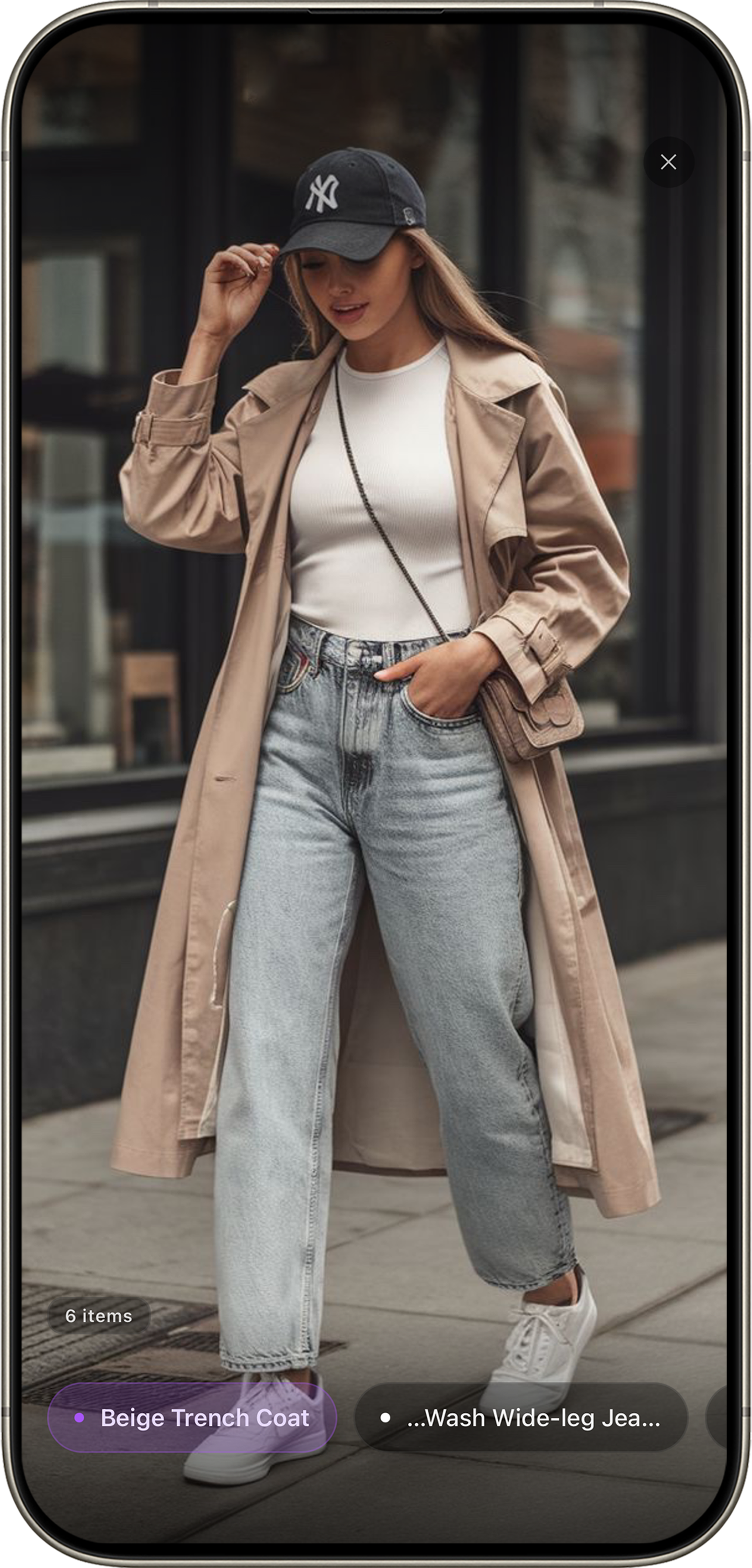
Identify
Every item detected and matched with confidence labels.
3
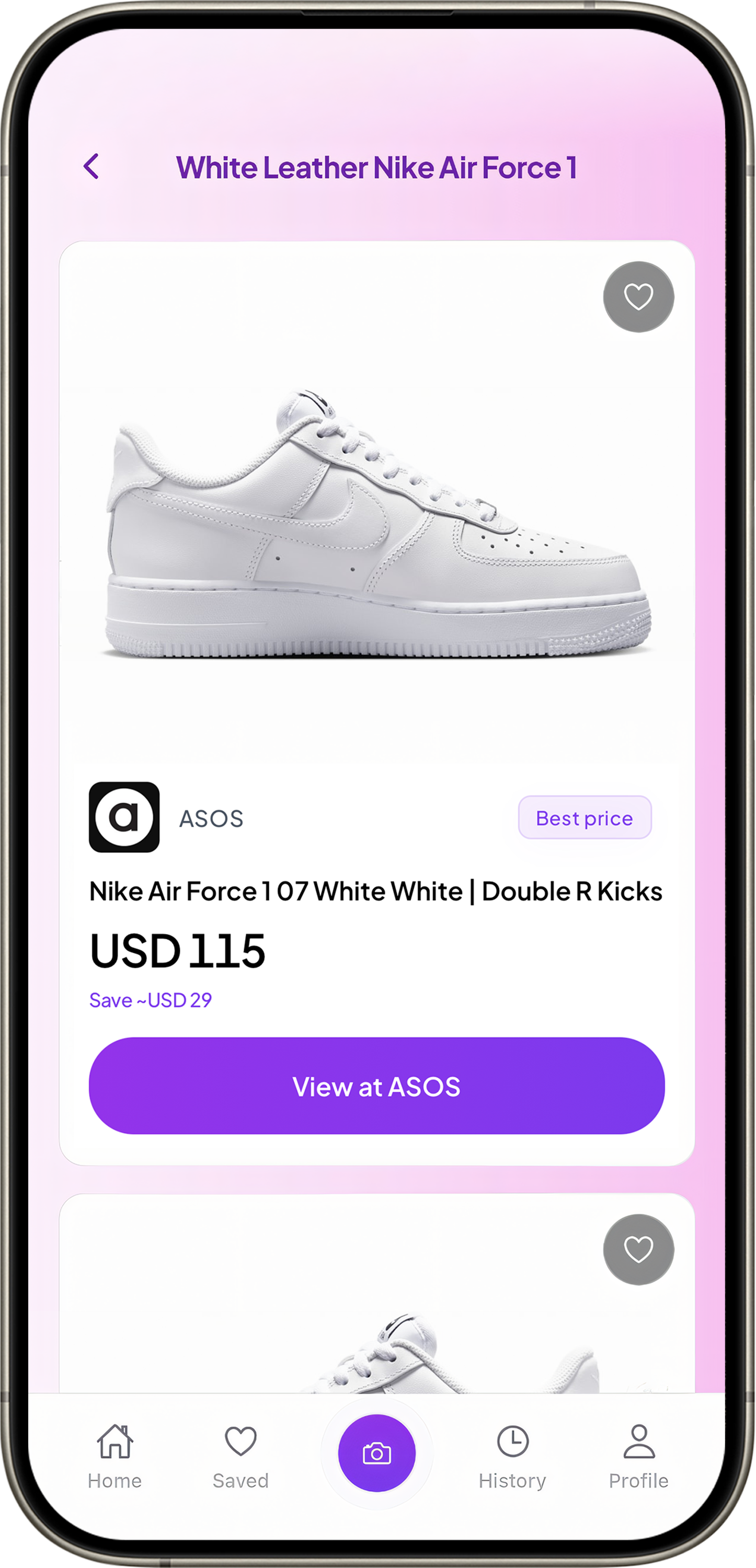
Buy
Stores and prices side by side. Best deal highlighted.
It's the difference between "here are images that look like yours" and "here's the item, here's where to buy it, and here's what it costs."
When reverse image search still makes sense
Checking if someone is using your photo without permission, finding the original source, identifying landmarks or artwork — these are genuine reverse search use cases where Google Images and TinEye excel. But for fashion, when the goal is "I want to buy this" — you need a shopping tool, not a search engine.
Skip the image search rabbit hole.
Upload a photo, get shopping results. Free on iOS.