Google Lens vs. Remode: Which Actually Helps You Buy Clothes?
Finding something and being able to buy it are two very different problems.
March 2026
Updated: 7 October 2026
Google Lens
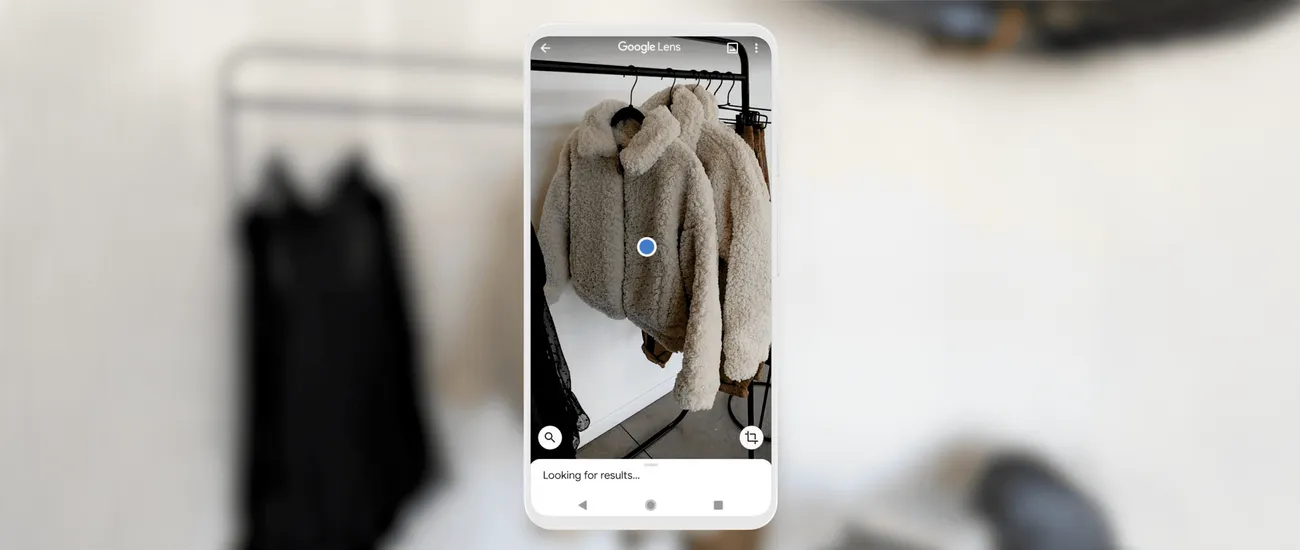
Finds lookalikes — no confidence label, no piece picker, no Hunt for price drops
vs
Remode
Similar Match · Nordstrom · USD 38
When people want to find clothing from a photo, Google Lens is usually the first tool they try. It's free, it's built into every Android phone, and it's available through Chrome and Google Photos. So why would anyone need a different tool?
Because finding something and being able to buy it are two very different problems.
What each tool does
Google Lens is a general-purpose visual search tool. It identifies objects, translates text, looks up plants, solves math problems, and — among many other things — finds visually similar products. It works across every category.
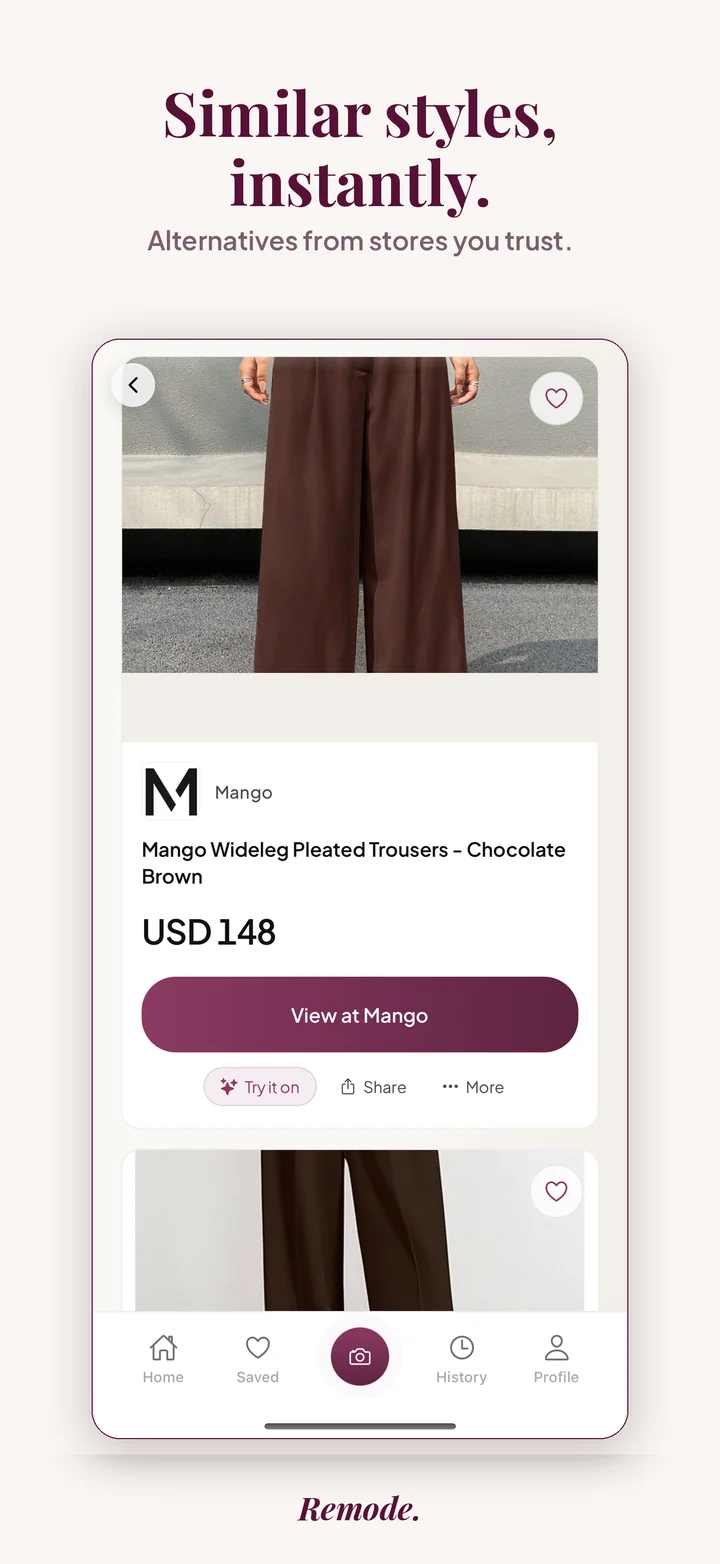
Remode does one thing: it helps you find and buy clothes from a photo. It identifies each clothing item in the image, ranks matches by confidence, and shows you which stores sell it and at what price — localized to your region and currency.
Feature comparison
Google Lens
✓ Free and built into Android/Chrome
✓ Works for any object category
✓ Surfaces retailer links and prices
✕ No match-confidence labels
✕ No garment picker in the shopping flow
✕ No piece-level Hunt for price drops
✕ No dedicated second-hand lane
✕ Editorial results mixed into shopping
Remode
✓ Built specifically for fashion shopping
✓ Exact Match / Visual Match / Similar labels
✓ Detects each garment in the frame
✓ Side-by-side store and price comparison
✓ Stores localized to your region
✓ Optimized for social media screenshots
✓ Hunt for price drops on any found item
✓ Second-hand options alongside new
~ iOS only (for now)
Use Remode with AI assistants.
Remode is available in ChatGPT and to compatible AI assistants over MCP — assistants can call the Remode tool directly to find any outfit from a photo.
Google Lens is free, universal, and built into the operating system on Android. For a casual "what is this?" moment — identifying a plant, translating a menu, looking up furniture — Lens is right there and it's fast.
For a quick visual lookup outside of fashion, Google Lens is the clear choice.
Where Remode wins
The gap appears the moment you want to actually buy the clothing item you found: Lens shows you results, but it doesn't tell you how confident the match is, doesn't let you pick one garment out of an outfit inside the shopping flow, mixes editorial links into the results, and can't hunt for a price drop on a piece or check a dedicated second-hand lane.
Match confidence is visible
Similar Match
Price comparison built in
Best price
Multi-item detection
Every piece, separately
Match confidence is visible. Your best match is clearly labeled. You know immediately whether Remode found the exact product or something similar. No guessing.
Multi-item detection. Upload a full outfit photo and Remode identifies each piece separately — jacket, top, pants, shoes — all from one image.
Store comparison built in. For each match, you see which stores sell it and at what price, side by side. Stores are filtered to your region, prices in your currency.
Optimized for social media. TikTok screenshots, Instagram saves, Pinterest pins — Remode handles the imperfect, low-resolution images from social media because that's exactly what it was built for.
When to use which
Use Google Lens when...
You want to identify a non-fashion item (plant, furniture, landmark)
You're on Android and need a quick visual lookup
You just want to know what brand something is
You're curious, not buying
Use Remode when...
You want to buy the clothing item you found
You need to compare prices across stores
You want to know how confident the match is
You're working with a social media screenshot
Quick answers
Is Google Lens good for finding clothes?
Google Lens is strong at general object identification, often finds the source page of an image, and does surface shopping results with prices. It is not built around the fashion purchase, though: results mix editorial links with shopping links, matches carry no confidence labels, there is no garment picker in the shopping flow, no dedicated second-hand lane, and no piece-level Hunt for price drops.
When is Remode better than Google Lens?
Remode is better when the goal is buying: it detects each garment in an outfit photo, separates exact matches from similar styles, compares retailer prices including second-hand options for shoppers in Germany, Switzerland, the UK, and the US, and can hunt for price drops on an item.
Can I use both tools together?
Yes. Google Lens is useful for identifying non-fashion objects or finding the original source of an image. For clothing you actually want to buy, run the same screenshot through Remode to get structured, shoppable matches.
The verdict
They solve different problems. One identifies. The other helps you buy.
See the difference for yourself.
Try the same photo in both tools. Download Remode free on iOS.